
Prompt Gallery
Copy a prompt. Paste it in Pencil. Watch your design come to life.
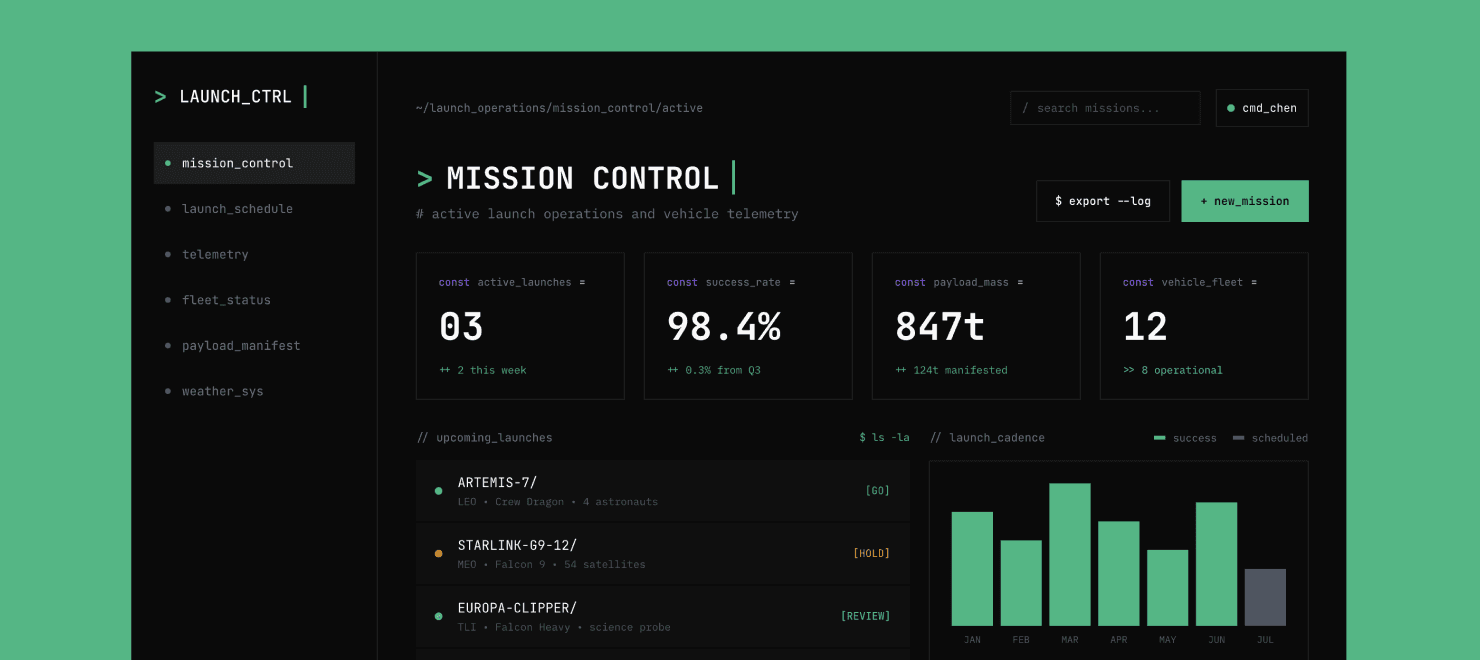
Design a web app for managing rocket launches. Use a technical style.
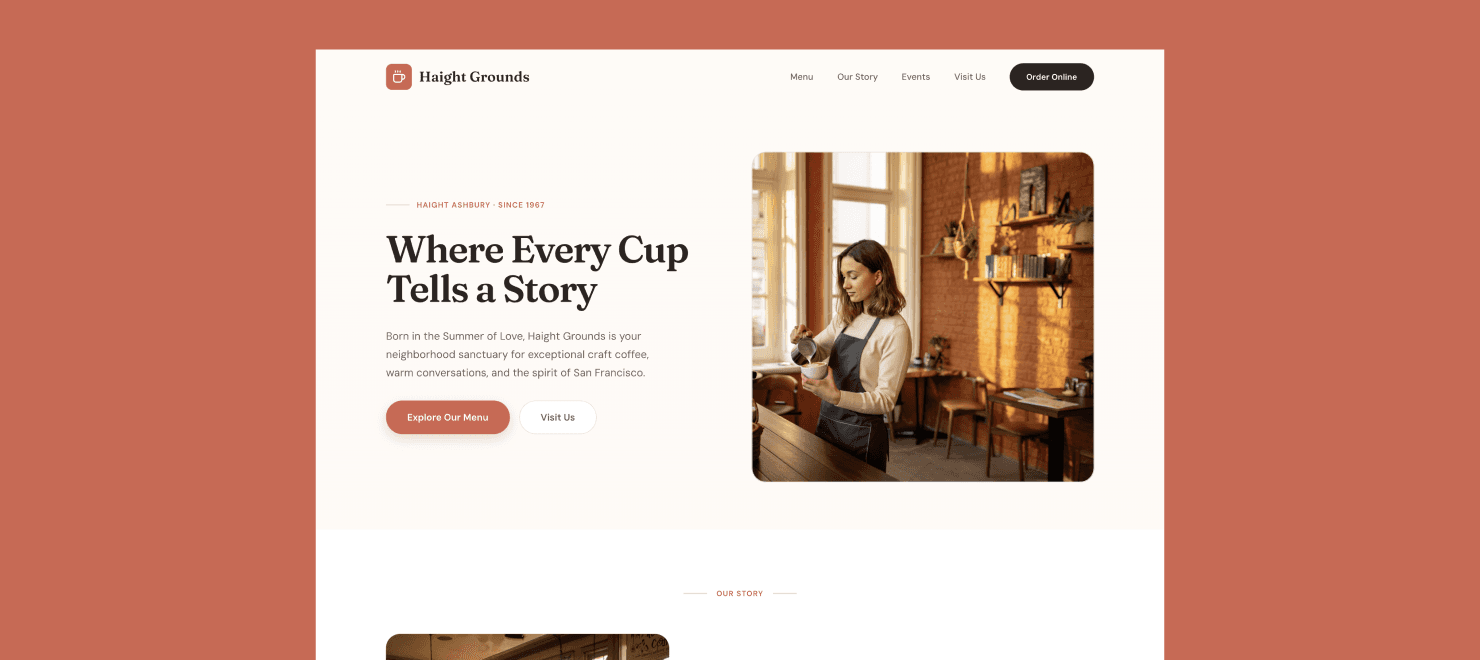
Design a website for a specialty cafe in Haight Ashbury, San Francisco.
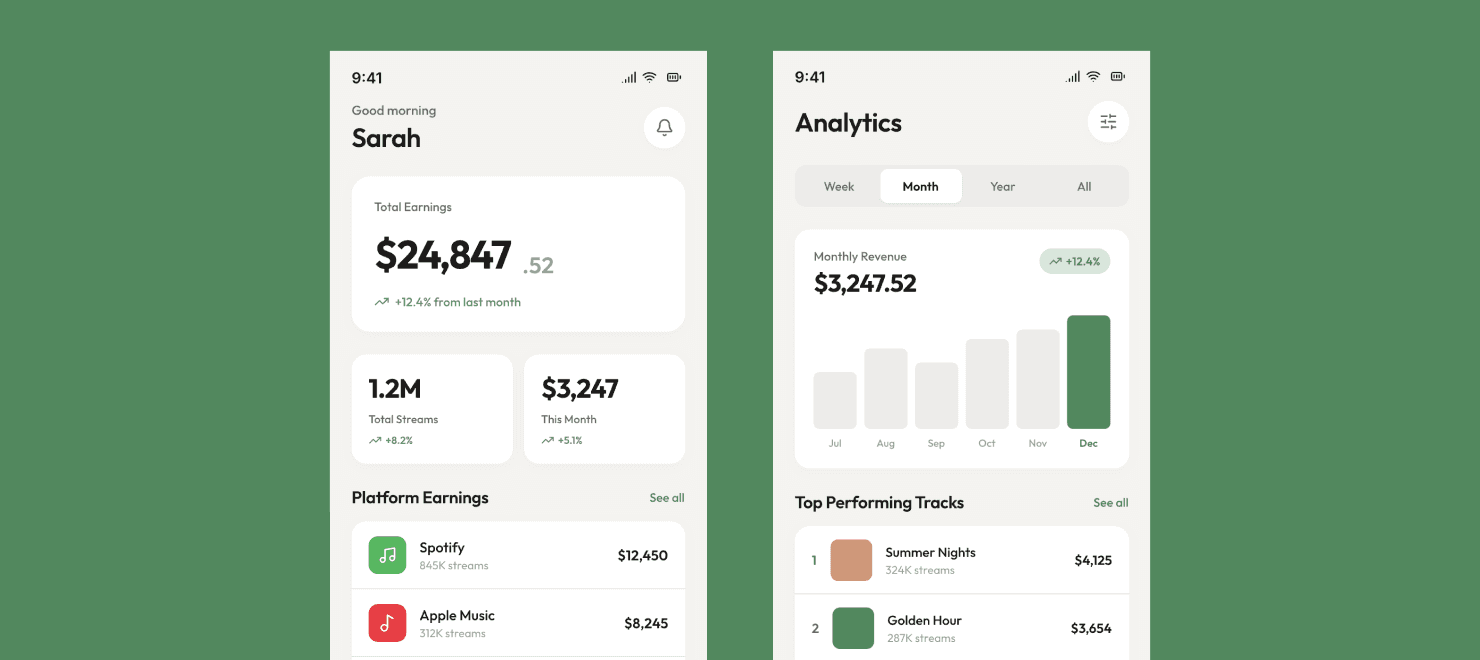
Design a mobile app for tracking music royalties. Use a Scandinavian minimalistic style.
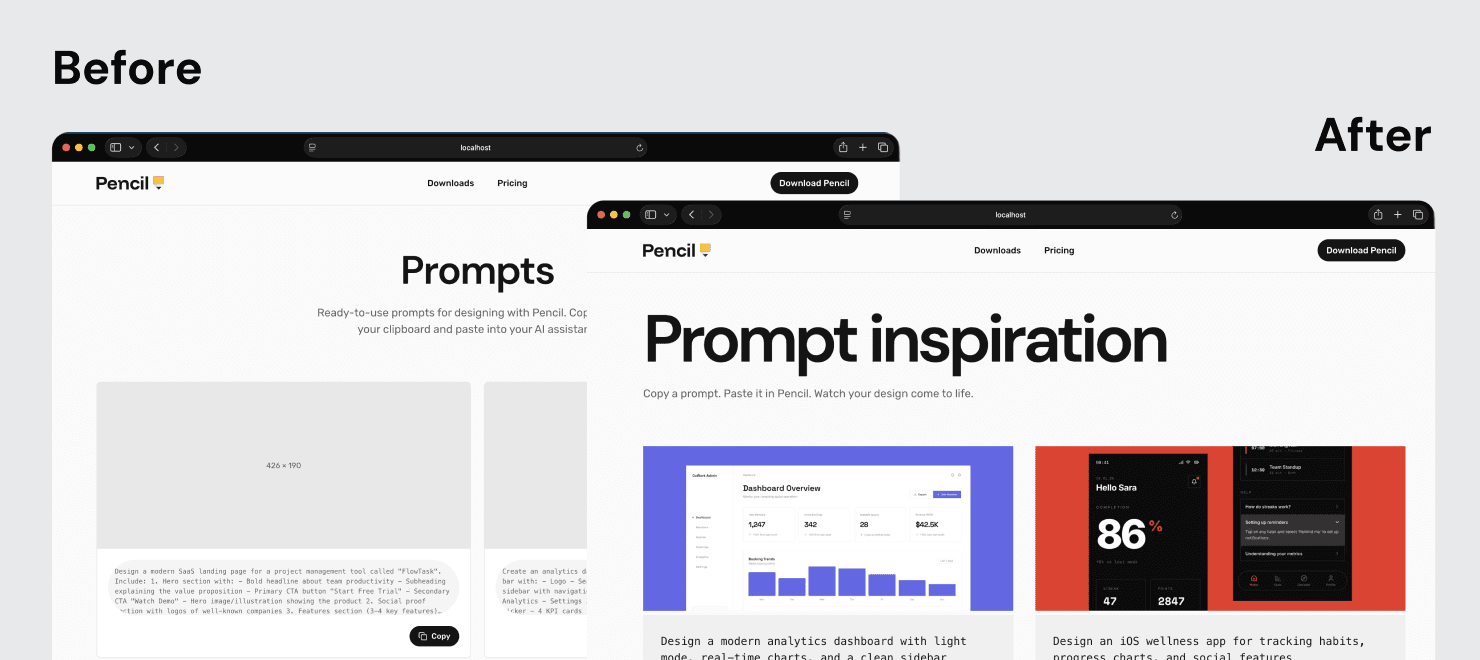
Look at the selected design. Adjust the prompts page code to reflect it. You can find the images in the /public folder. Don't worry about header and footer, keep it as it is on the current page.
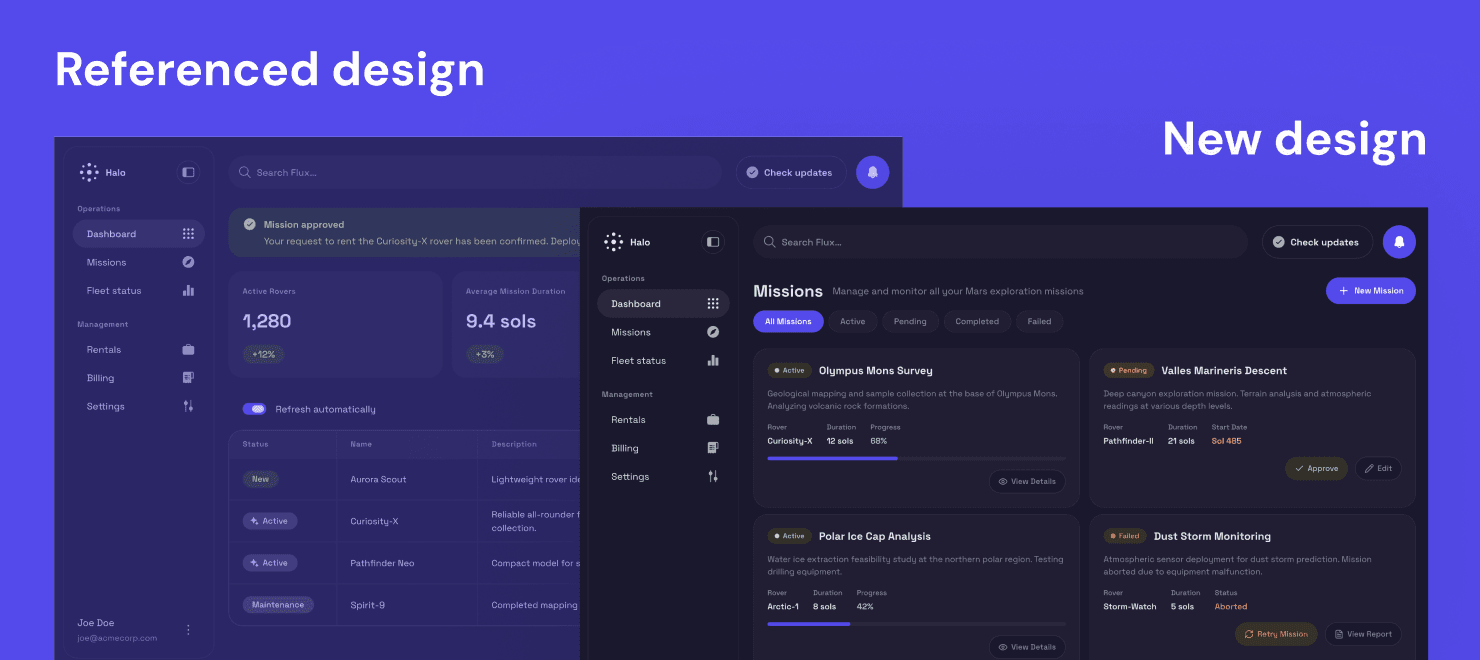
Use the selected design as the base design, that's my current app. Design a new page, the Missions page now. Create a new design for it.
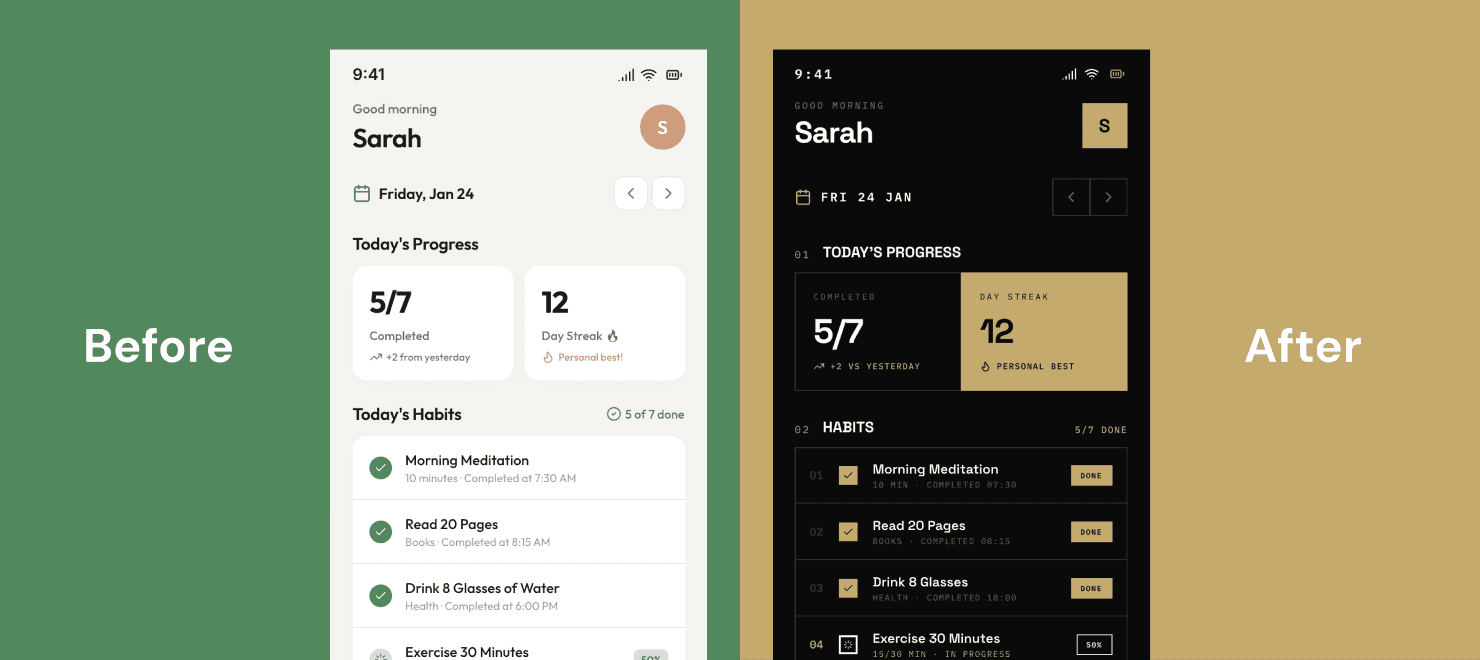
Look at the selected design. Explore a totally different design direction.
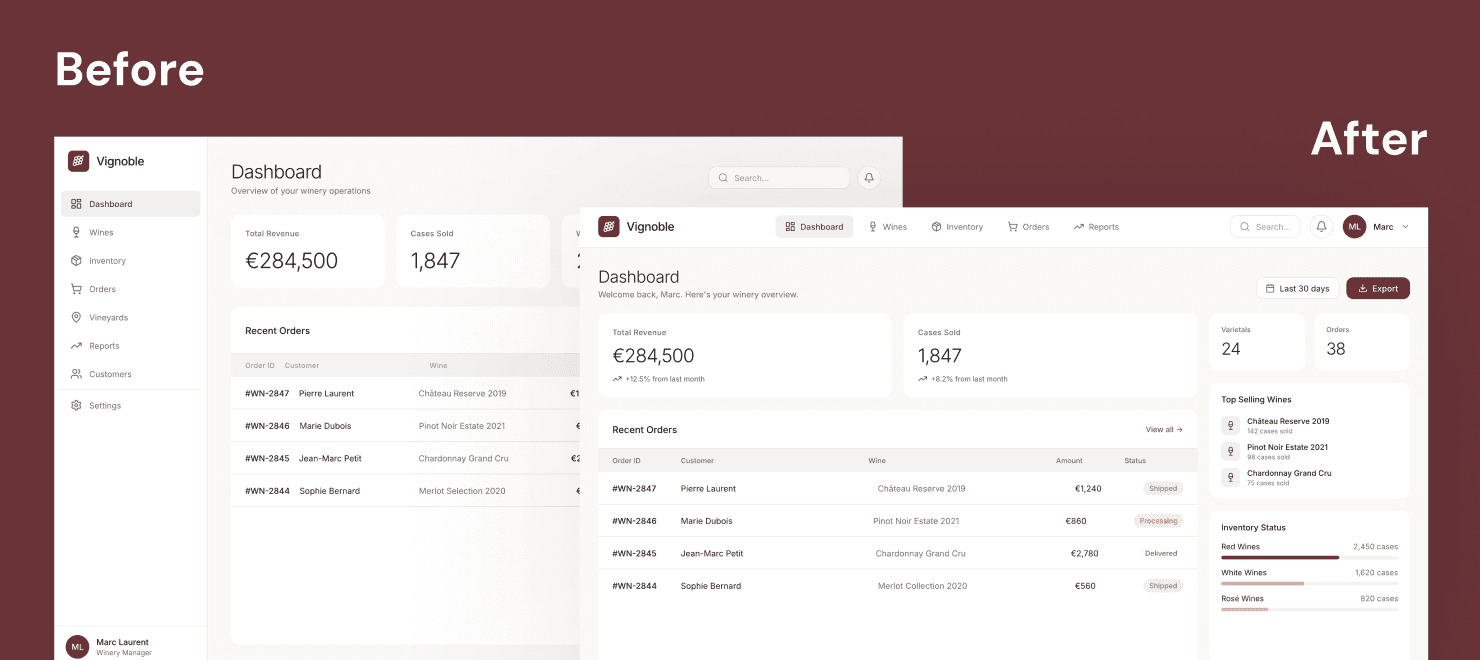
Look at the selected design. Explore a different layout, but keep the current design direction. Create a new design for it.
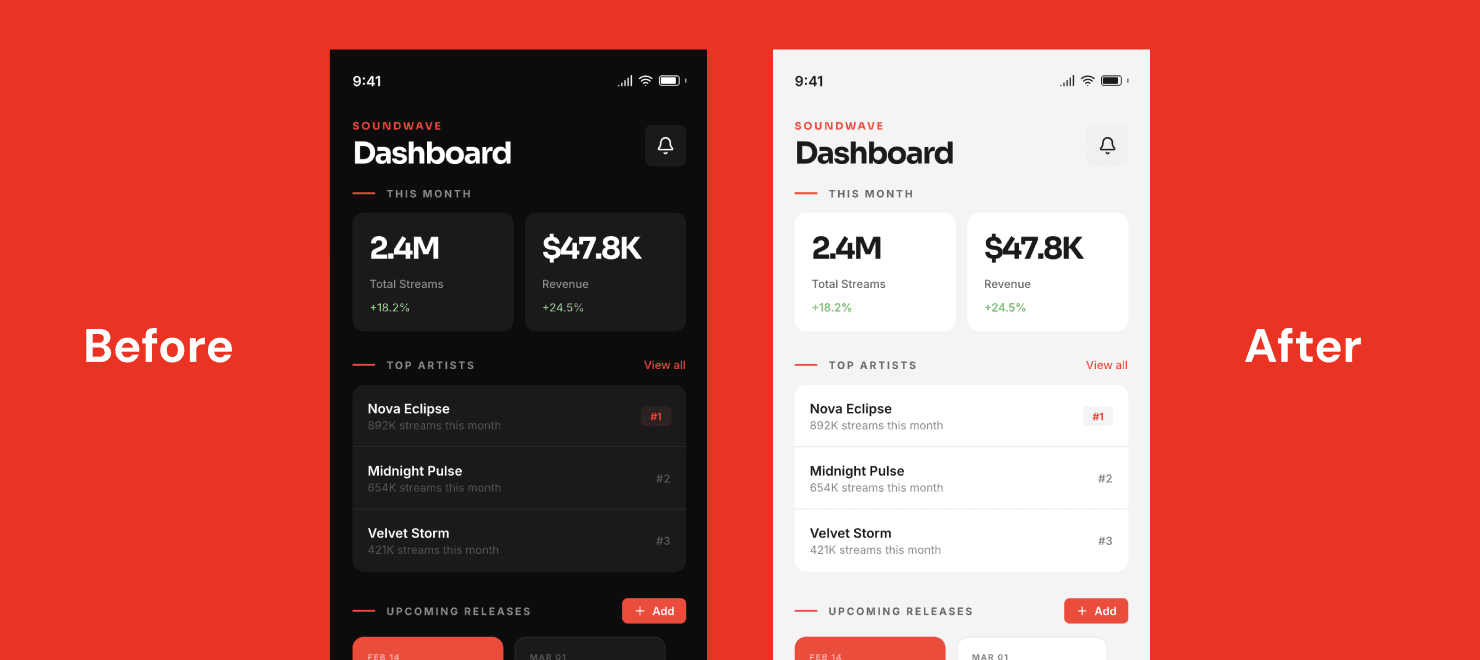
Look at the selected design. Change it to the light mode. Create a new design for it.
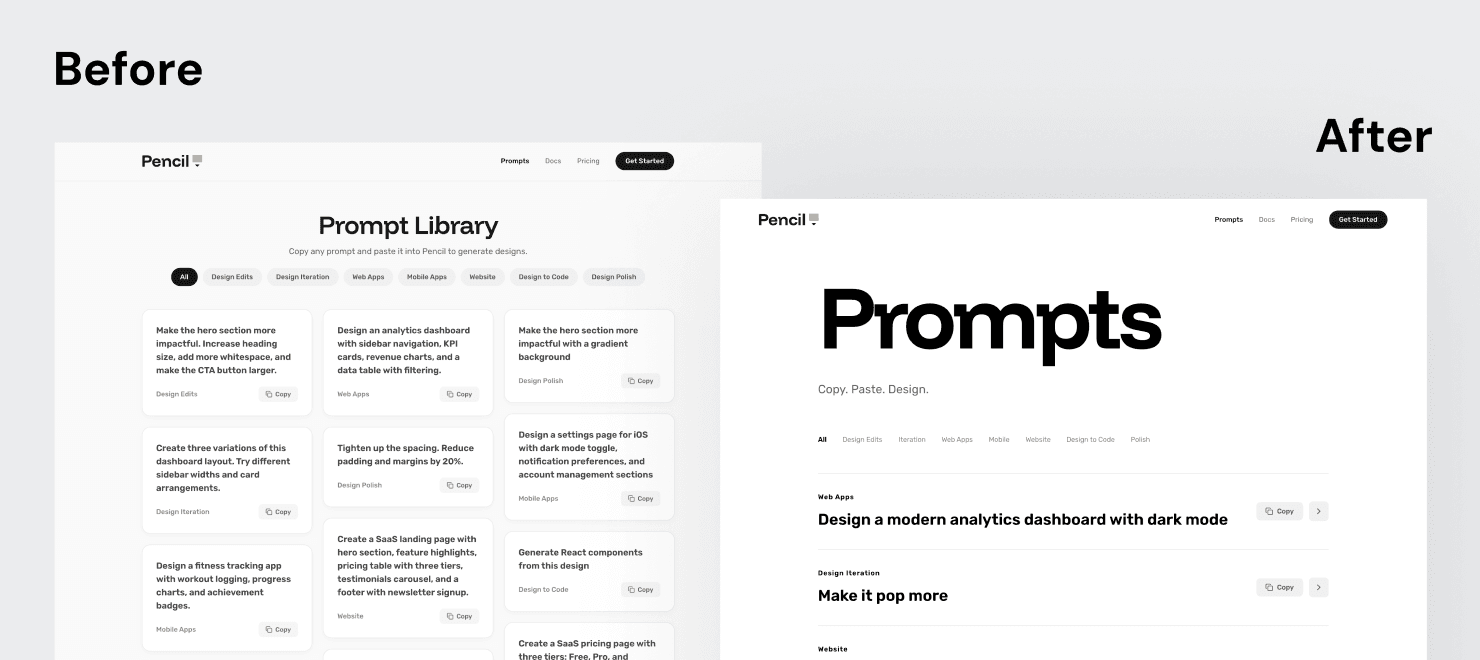
Let's go more bold and rock'n'roll, make the headline much larger, drop boxes around prompts and just focus on typography, one column layout, most emphasis on prompts, everything else secondary, Swiss layout.
*Continuation of the same chat
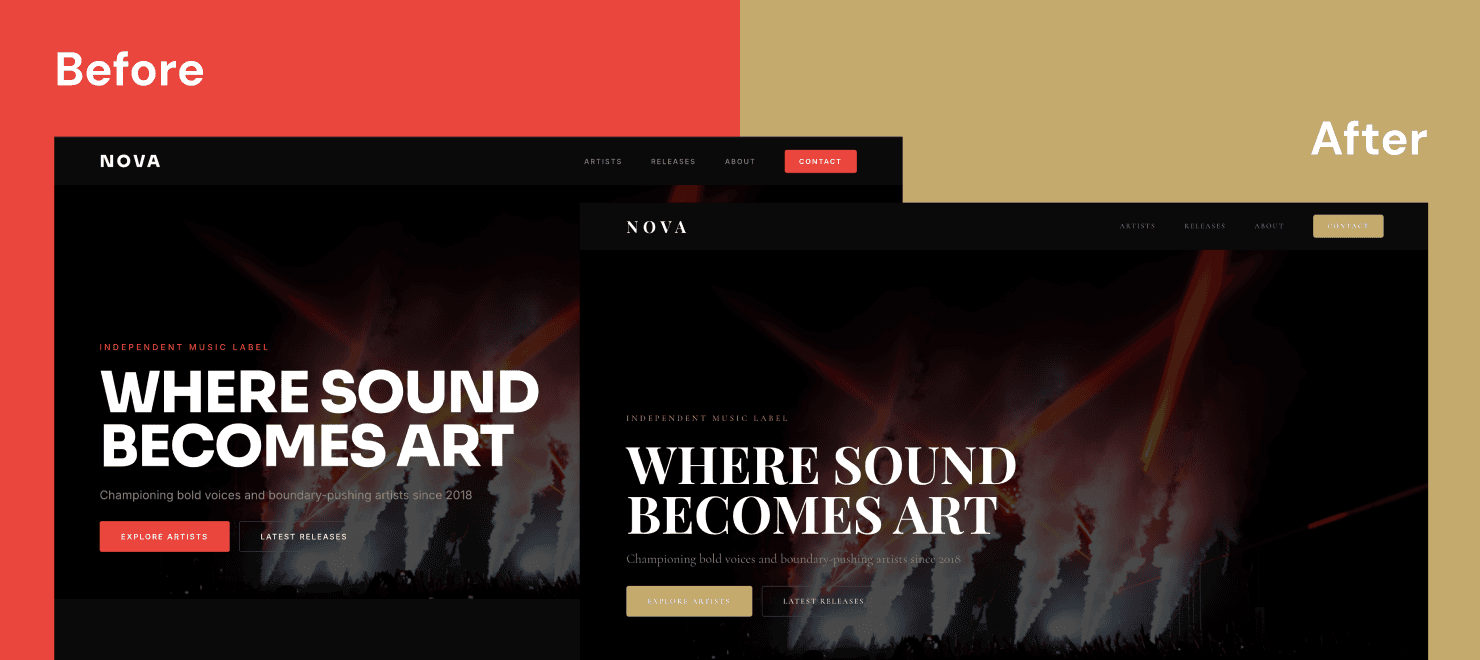
That's great. Now change fonts to something more classy. Create a new design for it.
*Continuation of the same chat
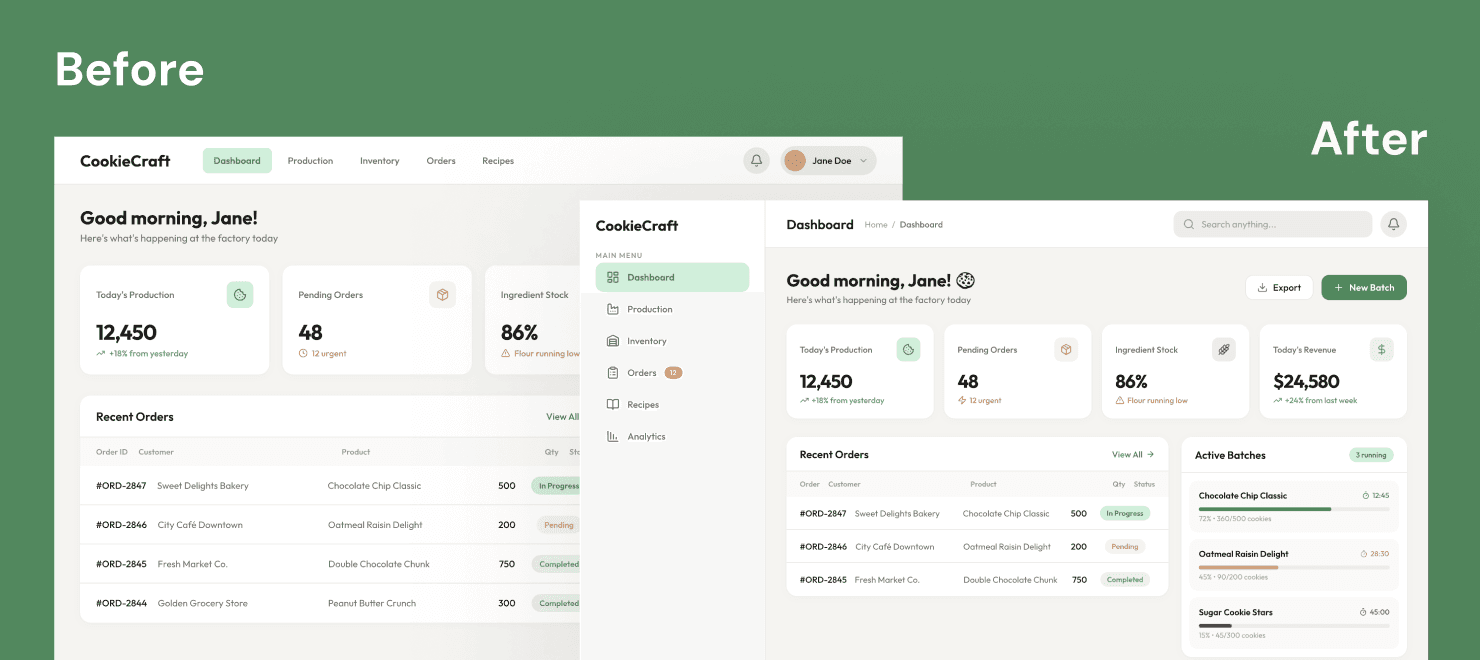
Great! Now use a sidenav. Create a new design for it.
*Continuation of the same chat
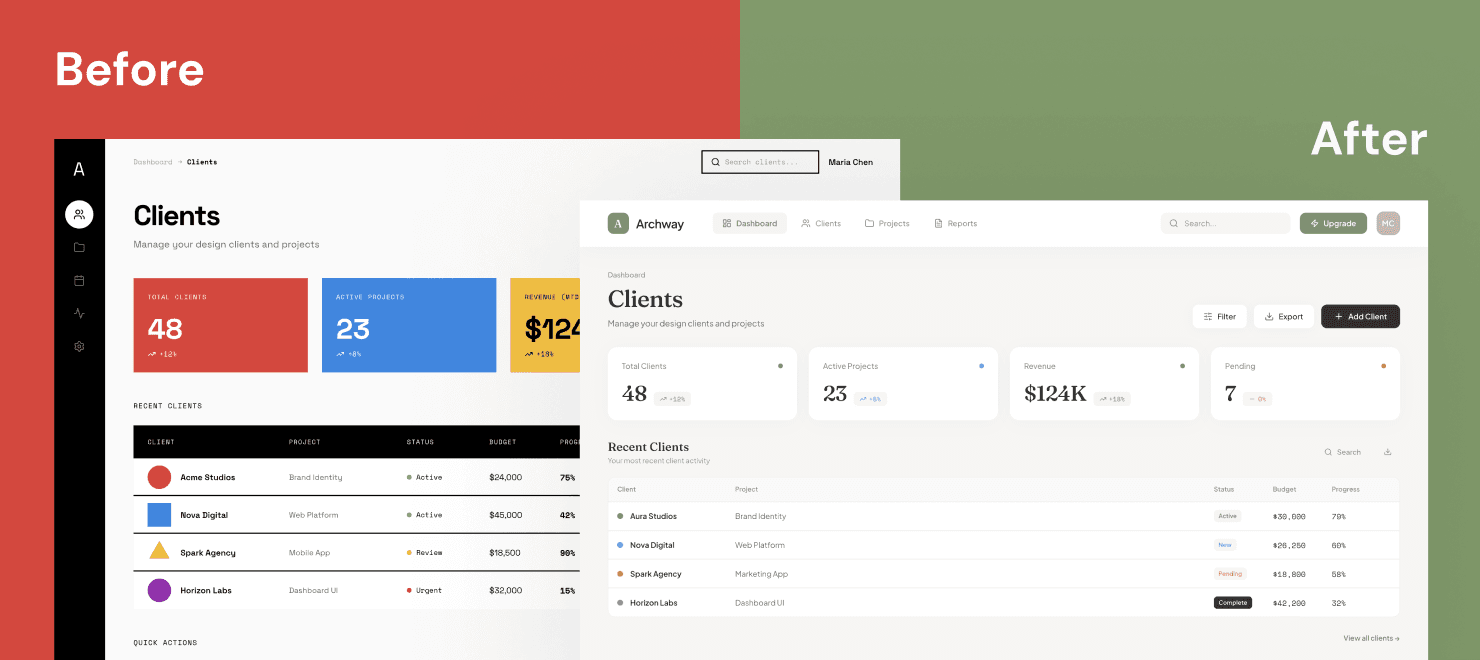
Look at the selected design. Change this to a simpler and cleaner design direction. Create a new design for it.